
Traffic Court Records in Alexander County
A traffic citation in Alexander County is a state-court matter with a deadline attached. The unified Clerk of Superior Court holds the docket for both trial divisions. Most traffic infractions travel the District Court route. Pull a case file and you may see the citation details, the hearing record, the current setting, any disposition once entered, and financial information where it applies. The ticket itself is still the best starting point. It carries the original court date and the case number you will need.
Alexander County has no separate local traffic-ticket database. The public route runs through the statewide eCourts Portal. There you can select Alexander County when a location filter appears. For a full case file, certified copies, or a result that has not shown up online, the Clerk of Superior Court counter is the alternative. A county public-records request form, though, will not get you a state court citation file.
Alexander County Traffic Citation Date First
The statewide Traffic Violations guidance opens with a plain rule: every citation carries a court date. Confirm that date first. Only then pick a response. Some citations qualify for a stated resolution channel, while others demand an appearance, and both the Alexander payment page and the statewide material limit options by eligibility and case conditions.
For the current setting, Search Hearings is the strongest online tool. Check its result against the Register of Actions or Case Summary, which may list hearing entries and Case Events. Be careful with old entries, though. A date on a past Case Event may reflect an earlier setting or a continuance, not the next court date.
The source for the statewide court-date rule is the official Traffic Violations page. 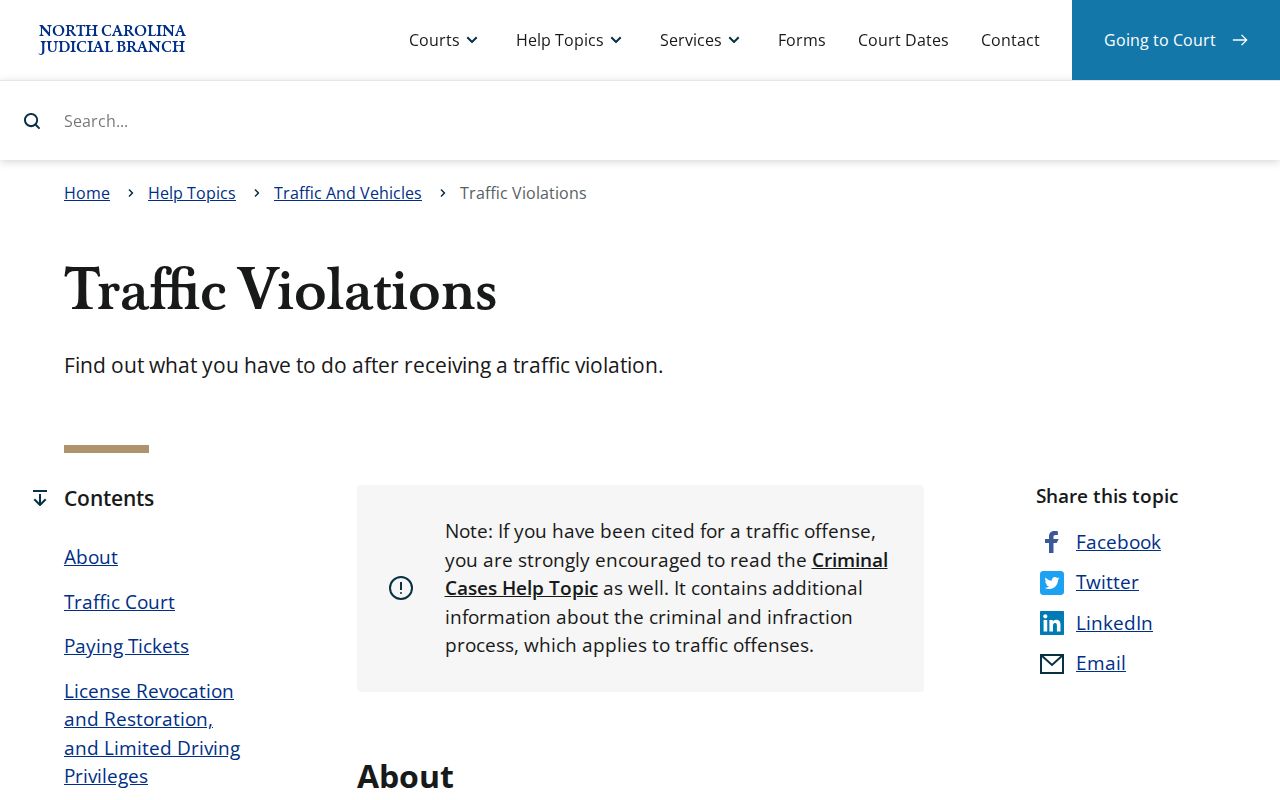
Before traveling to court, confirm the setting through the current channel. That habit matters most when the citation is new or the calendar may have shifted since it was issued.
How to Look Up a Traffic Ticket
Begin with the citation number and the court date printed on the ticket. In the North Carolina eCourts Portal, Smart Search can find an available case. It works by case number or by name. Search Hearings is a separate tool built for the date-and-location question. A no-result screen can mean a format problem, timing, a restriction, or the wrong court system. It says nothing about the result of the citation.
- Keep the citation and identify the number, issuing court information, and written court date.
- Use Smart Search with the exact case number if one is available, or use the documented last-name, first-name search order.
- Apply Alexander County as the location filter and use a relevant case type or status filter only after the basic search.
- Use Search Hearings with Alexander County, a hearing type, a search key, and a date range to confirm the current setting.
- If the result is missing or a file question remains, call the Clerk of Superior Court at (828) 635-3113 or visit the public terminal at the courthouse.
The local in-person route is the clerk counter at 29 W. Main Ave., Taylorsville. Hours run weekdays from 8 a.m. to 5 p.m. Public terminals allow free non-certified viewing, but a terminal cannot take a payment.
Alexander County Traffic Portal Fields
Portal searching uses the same public case-search structure for any available traffic case. Open a result and you can reach the Case Summary or Register of Actions. Documented sections there include Case Information, Assignment Information, Party Information, Case Events, Dispositions, Hearings when present, and Financial Information when applicable. Remember the limit, though. The state says the Register of Actions is a public reference channel. It is not the official court record.
| Field or tool | Use for a traffic court record | Limit |
|---|---|---|
| Case number or name | Starts Smart Search for an available case. | Use the identifier as written; name searches use last, first. |
| Location / case filters | Narrows a statewide search to Alexander County and a relevant category. | Filters follow, not replace, a basic search. |
| Search Hearings | Checks a current setting by selected criteria and date range. | It is a calendar tool, not the case-file custodian. |
| Financial Information / Make Payments | May provide transaction context for an eligible matter. | Neither field promises an amount or online eligibility. |
Ordinary public information on the Portal is free and needs no sign-in. Restricted information stays restricted. The local clerk, with Odyssey access to the same case-summary view, is the practical fallback for a paper or certified record.
Finding Your Traffic Court Date
Search Hearings asks for Location, Hearing Type, Search Type, a matching search value, Date From, and Date To. Pick Alexander County. Keep the date range narrow. A case number is the most precise value. Party name works if the number is unavailable. Once results appear, open Smart Search and compare the Hearings section against the chronological Case Events entries.
| Citation or case number | Use the identifier printed on the ticket or shown in Portal. An eCourts case number follows a pattern such as 21CR000003-910; copy the actual number rather than reconstructing it. |
|---|---|
| Court | The Portal assignment and hearing information identify the current court route when populated. |
| Date and time | Confirm through Search Hearings and the Register of Actions, not only a past event. |
| Courtroom / judicial officer | Searchable criteria when known; statewide lists can be broad. |
| Status | Case posture such as pending or disposed; it does not alone supply a hearing time. |
For a wider view of how the county calendar works, see the Alexander County court calendar. A traffic setting still deserves confirmation through its own current hearing result.
Alexander County Citation Payment Eligibility
Make Payments is an eCourts function. It checks whether a criminal fee, fine, restitution, criminal attorney fee, or probation or parole fee can be handled online. Its presence does not mean every citation qualifies. When a payment is eligible, the Portal guide lists a 2.39% vendor transaction fee with a $1 minimum. Always confirm the amount, the eligibility, and the response instructions in the current court record.
File & Serve is a separate eCourts filing system. It requires account registration for filing and is not a public traffic-ticket lookup or a substitute for the court's response direction. The official File & Serve service illustrates that separate filing channel. 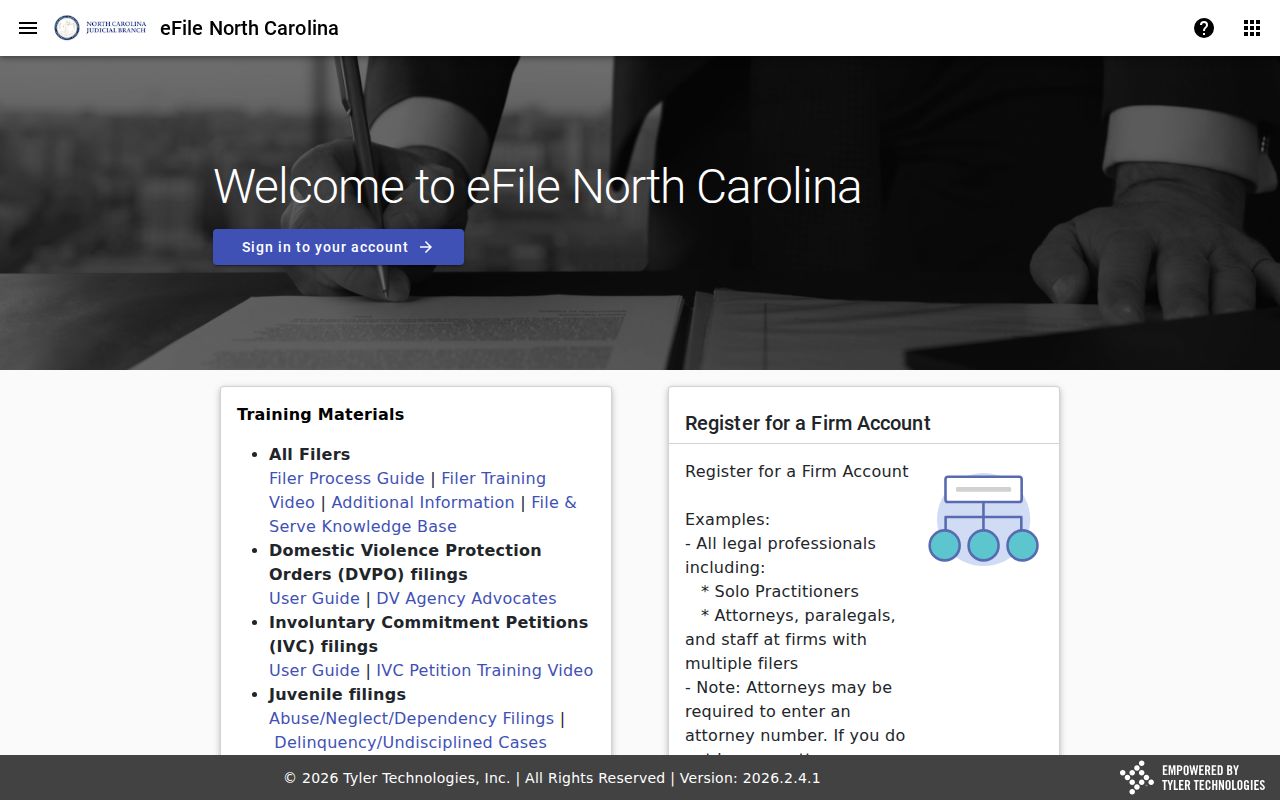
A Portal transaction confirmation is not a final court disposition. After paying through an eligible route, recheck the court information.
Paying or Contesting a Ticket
Eligibility and the citation's instructions shape the practical choice. Payment may be available for an eligible matter only. A court appearance can still be required. Contesting a citation means the response route and timing come from the citation, the current court record, and court direction. The clerk offers procedural information but cannot decide the legal choice for a case.
| Eligible payment route | Response or contest route |
|---|---|
| Check Make Payments or the official local payment information for current eligibility. | Use the citation and court instructions for the required response or appearance. |
| Confirm the amount, citation identification, and completion of the transaction. | Confirm the current hearing through Search Hearings and the case summary. |
| Use online, mail, or counter payment only if the court allows that route. | Contact the court or a qualified attorney promptly when the citation or current record is unclear. |
Do not ignore the date. State traffic guidance says the court may call a case when a person fails to appear. It describes notice to NCDMV after 20 days for failure to appear and a later failure-to-pay reporting sequence. Resolve the court matter through the court or Clerk, then use NCDMV's current guidance for any separate agency process.
Keep the citation number and any confirmation handy when you contact the court. An eligibility screen or payment route never replaces the response instruction for a matter that still requires a setting.
Alexander County Mail and Counter Payments
Paying an Alexander County traffic ticket by mail? Send a money order or certified check to the Alexander County Clerk of Superior Court. The address is PO Box 100, Taylorsville, NC 28681. Write the citation number on it. Cash and personal checks should never go in the envelope. Keep in mind these are local instructions for the clerk's office. They do not promise that every traffic case qualifies for mail payment.
At the clerk counter, the documented methods are cash, credit or debit card with processing fees, money order, and certified check. Personal checks are not accepted. The Alexander County payment-information page is the source for the current channels. 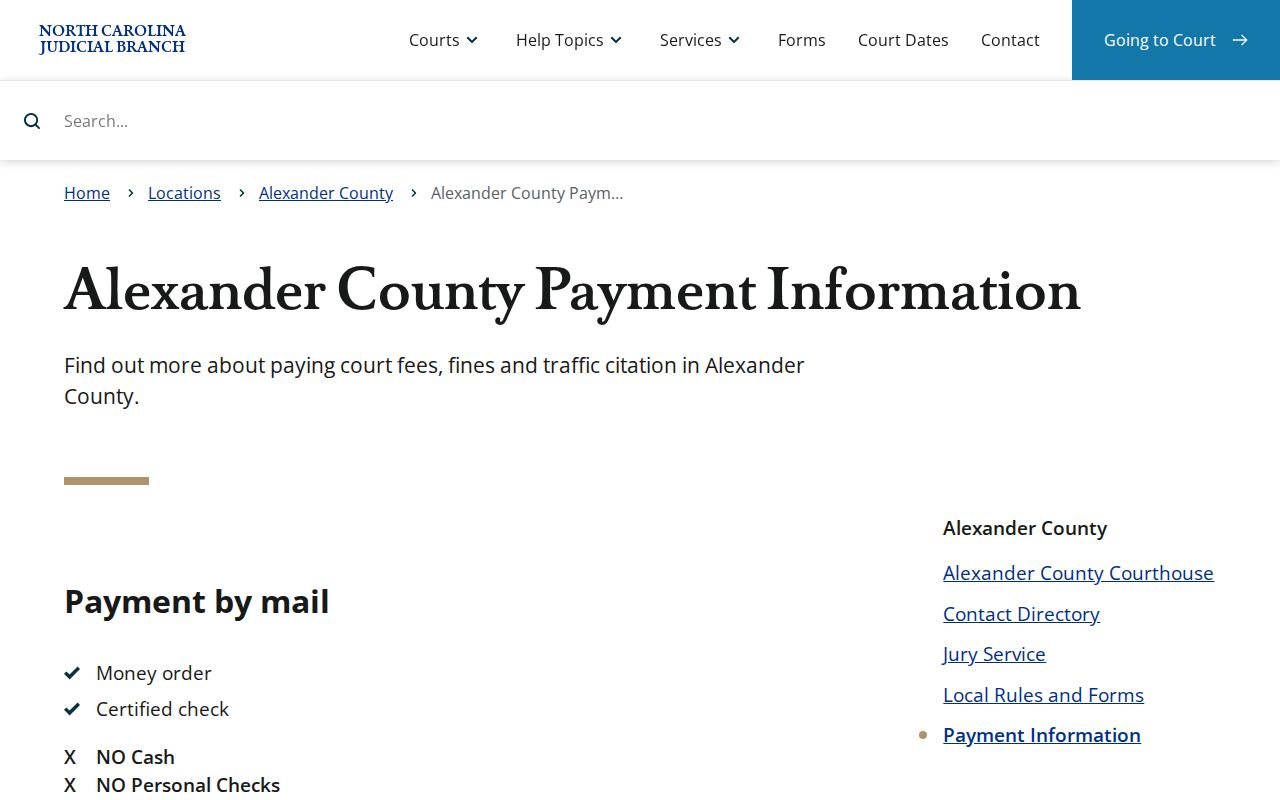
Before you mail anything or walk up to the counter, nail down the right court, the exact amount, and whether your case is even eligible. Save the confirmation from the transaction. If the Alexander County docket still shows the case open later, run another case lookup before assuming anything.
Court Traffic Record vs Driver Record
Two different offices hold two different files here. The traffic case file itself sits with the Alexander Clerk of Superior Court. That court record is what you need for anything about a citation, hearing, court date, order, copy, or certification. NCDMV keeps a completely separate administrative file with its own process. The difference matters most after a failure-to-appear or failure-to-pay problem. Still, looking up a court record never becomes an agency-record request. The two overlap, but that alone changes nothing.
| File | Custodian | Purpose of the documented route |
|---|---|---|
| Alexander traffic court case file | Alexander Clerk of Superior Court | Locate the citation case, current hearing, court events, copies, or certification. |
| NCDMV administrative file | North Carolina Division of Motor Vehicles | Follow the agency's current instructions after the court matter has been addressed. |
The NCDMV suspension guidance describes failure-to-appear and failure-to-pay categories and directs users to resolve the court matter. 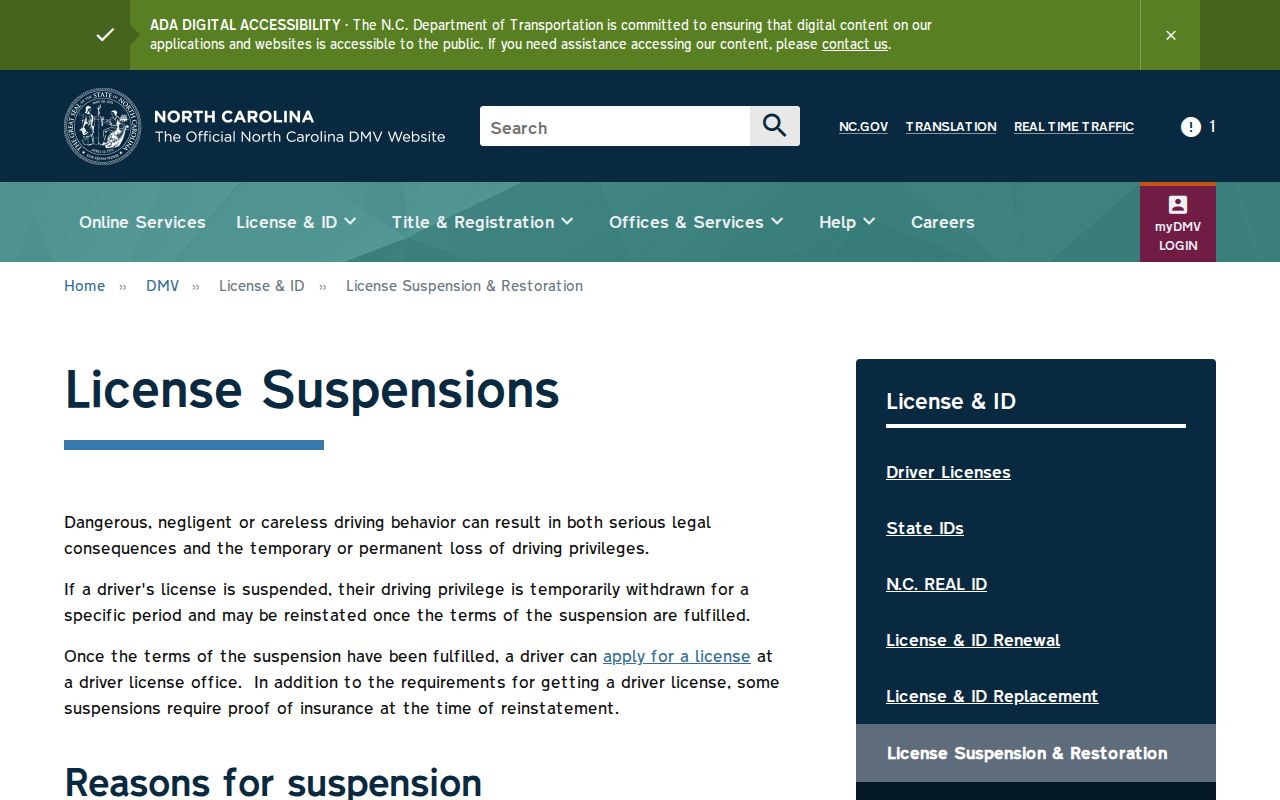
Handle the two tracks separately. The clerk covers the Alexander court file; NCDMV runs its own current administrative process for driver matters.
Alexander County Missed Traffic Case Steps
Missed a court date or left a case unpaid? Start by finding the Alexander court case. Get its current setting through Portal or the clerk. State traffic materials warn that the court may call the case after a failure to appear. They also lay out the notice and reporting sequences that follow nonappearance and nonpayment. Each case turns on its own facts. One action rarely clears every required step. Work the court route first. Call the Clerk of Superior Court, confirm the case information, and follow the court's current instructions. Only after that should you take up any NCDMV matter, using the agency's current guidance. This order keeps a court balance, a court date, and an agency process from blurring into one record. Note: A court-date search, a payment confirmation, and a final disposition are separate record events. Each one deserves its own check.
Fees and Copies
Ordinary public case information on the Portal costs nothing. Need the actual traffic case file or a certified item? That request goes through the clerk, not the Portal view. The statewide clerk fee chart sets the copy prices. It charges $2 for the first page of any document, $0.25 for each additional page or fraction, and $3 for a certificate under seal. Ask the clerk to confirm your total and the certification you want. The chart offers no single universal price for a certified traffic file.
| Item or service | Documented amount or rule | Traffic-record note |
|---|---|---|
| Public Portal view | No charge for ordinary public access | Available information remains subject to restrictions and is not the official record. |
| Clerk-prepared copy | $2 first page; $0.25 each later page or fraction | Request the identified document or file item from the local clerk. |
| Certificate under seal | $3 | May combine with copy charges; confirm the service requested. |
| Eligible online transaction | 2.39%, $1 minimum | Portal guide figure; eligibility is not universal. |
G.S. 132-6 addresses reasonable supervised inspection and copies, while G.S. 132-6.2 addresses copy and special-service charges. 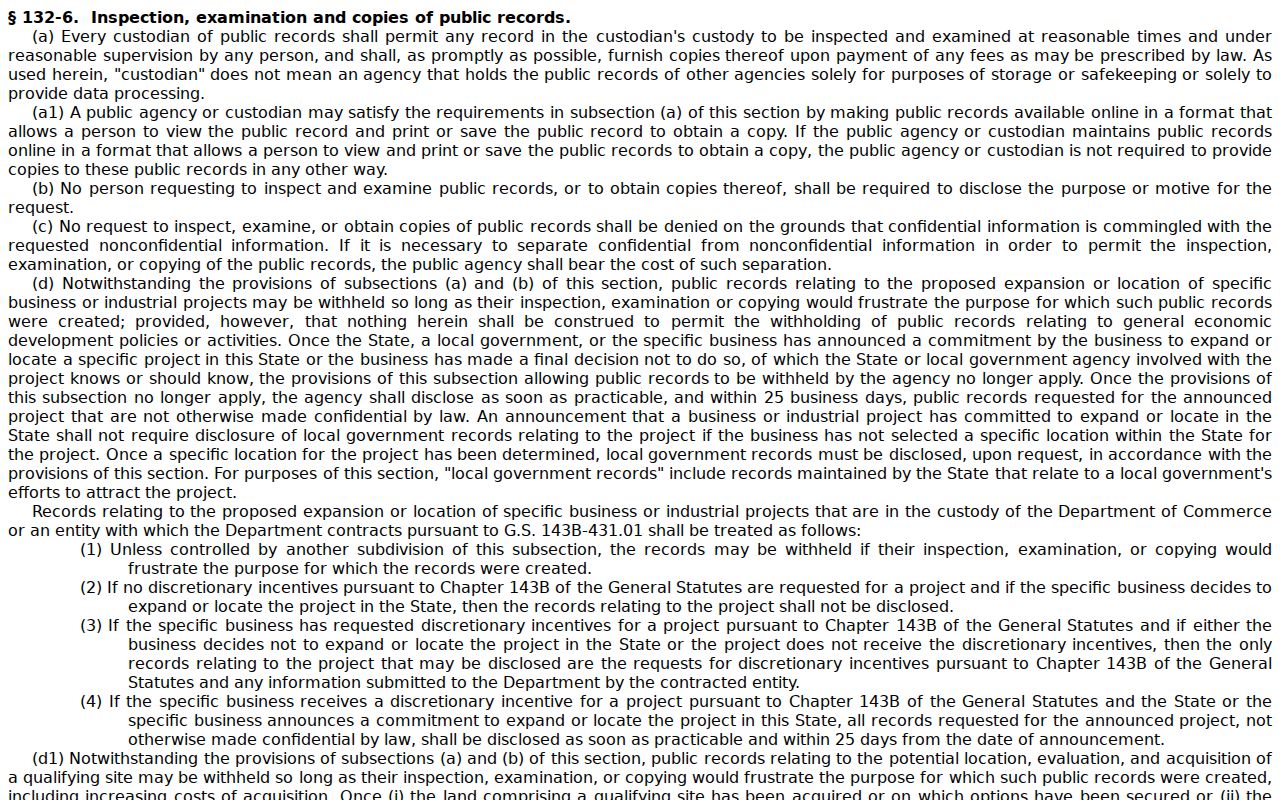
Those access rules do not override confidentiality limits or make a restricted record available.
Alexander County Traffic Record Follow-Up
Some situations call for the clerk directly. An online result that looks incomplete, a paper record, a certified copy, an inspection question, or an amount you want confirmed all fit that list. Contact the Alexander Clerk of Superior Court. Give the citation or case number. Say exactly which document or event you need. Make clear whether a plain copy or a certification is required. The clerk serves as the local custodian of the court file for any Alexander case.
The state public-records law also permits reasonable supervised inspection and prompt copies on payment of lawful fees. The source for the special-charge principle is G.S. 132-6.2. 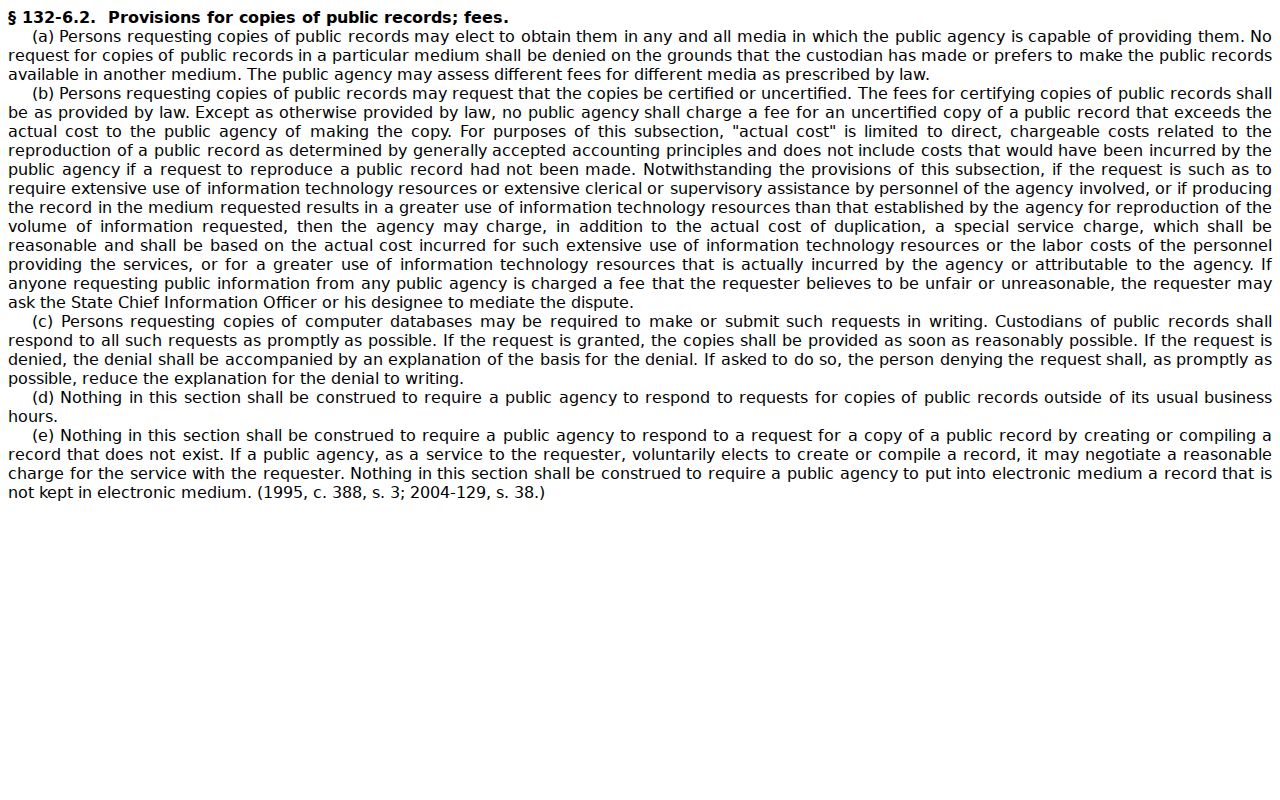
Check Portal first. Its public case summary carries the current hearing information. Then turn to the clerk for the original court file. That order keeps your citation search anchored to the court record that actually controls it.