
The Alexander County Court Calendar
Alexander County has no separate county-only calendar database. Its Judicial Branch location page points visitors to civil and criminal calendar links plus the statewide eCourts tools. For a current setting, the best online route is eCourts Portal Search Hearings. The Portal case page is called the Register of Actions or Case Summary. It carries a Hearings section when hearing data exists.
One courthouse handles the local trial courts. A single Clerk of Superior Court keeps the files for Superior Court, District Court, magistrate, estate, and special-proceeding matters. That matters when an old notice, a recent reset, or a missing online result needs a human check. Remember what a calendar is. It schedules court work. It decides no charge, claim, or motion.
Alexander County Calendar Sources
Two tools cover most Alexander County calendar needs. The county court page gathers civil and criminal calendar links in one spot. Search Hearings works best when you want one current setting on the docket. The Portal search takes more detail. It asks for an Alexander County location, plus a hearing type, a search type, a matching value, and a date range. A case number is the sharpest docket search key. Party name, business name, attorney, judicial officer, and courtroom all work as matching choices too.
Read any Portal result next to the full case record. Search Hearings settles the calendar question of the moment. Smart Search opens the Register of Actions with its Case Events and Hearings sections. The Portal training resources walk through how those functions differ. Turn to the clerk when the tools disagree, a hearing is close, or you need a paper file pulled.
For context, the Alexander County Judicial Branch news archive records local court-system notices. 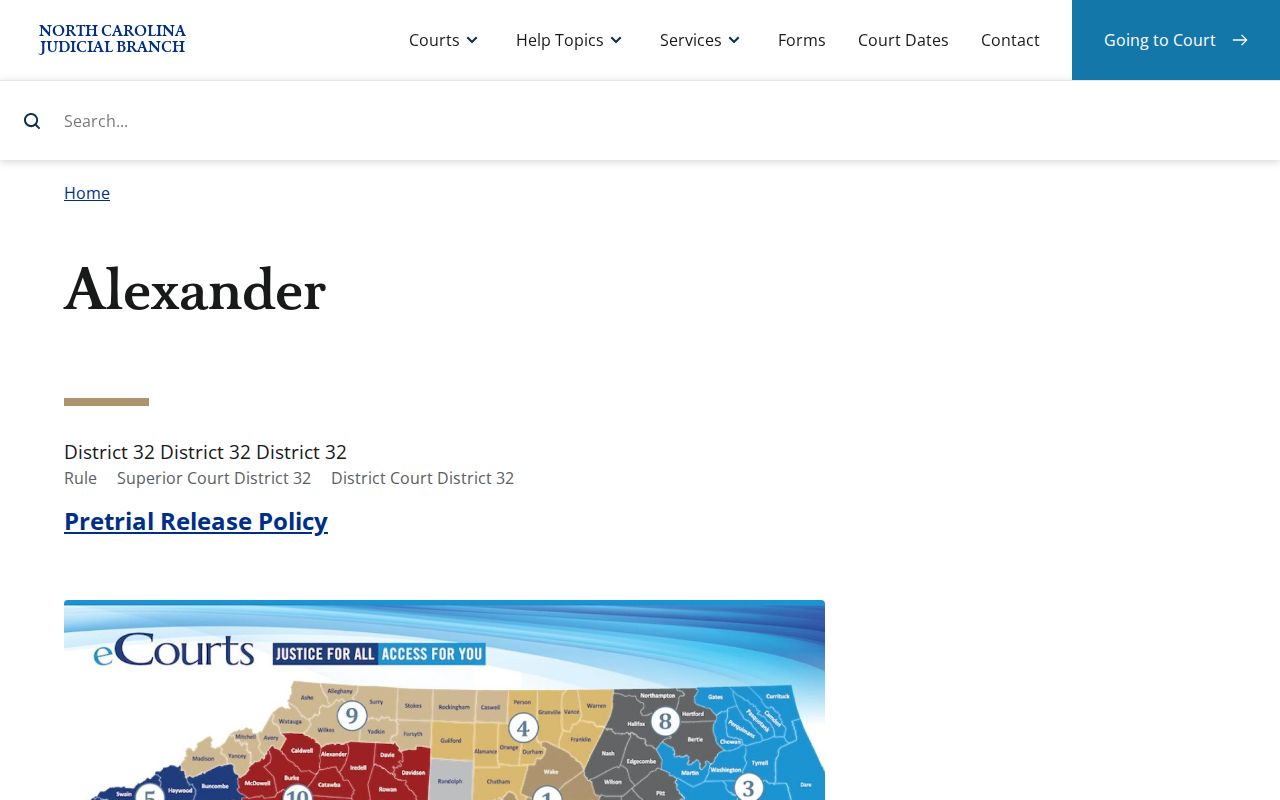
News notices can flag a system change. For any live hearing question, the Alexander County court calendar or the clerk gives the controlling answer.
How to Find Your Court Date
Keep your citation, summons, notice, or case number ready. Open Search Hearings and pick Alexander County. Then select the hearing type and a search type, enter the value, and set a narrow date range. Without a case number, try a party name. Use a first name and a short range. Confirm what you find in Smart Search; an older printed notice alone is not enough.
- Open the eCourts Portal and select Search Hearings for a current Alexander County court date.
- Use the exact case number when possible, or choose Party Name and enter the name in the requested form.
- Set Alexander County, the hearing type, and Date From and Date To before submitting the court-calendar search.
- Open Smart Search for the same case and review its Hearings and chronological Case Events entries.
- If Portal is blank or the setting is close, call the Clerk of Superior Court at (828) 635-3113 or use the courthouse public terminal for non-certified viewing.
The courthouse sits at 29 W. Main Ave., Taylorsville, with public office hours on weekdays from 8 a.m. to 5 p.m. The clerk is your in-person fallback for any file question. Public terminals offer free non-certified searching, though a terminal cannot take a payment.
Alexander County Hearing Search Filters
Pick the search key that fits what you already know. A case number cuts uncertainty fast. A party name finds a case when the number is missing. Courtroom and judicial-officer filters exist. The statewide menus run broad, so they help most when you know the room or officer. Keep the date range tight.
| Portal field | Use for an Alexander calendar search | Required |
|---|---|---|
| Location | Select Alexander County before looking at a hearing result. | Yes |
| Hearing Type | Choose the required category for the current setting. | Yes |
| Search Type | Choose case number, party, business, attorney, judicial officer, or courtroom. | Yes |
| Date From / Date To | Limit the court-calendar window. | Yes |
When results run too wide, tighten the name, the date window, the location, or the search key. A no-result screen never proves a case was resolved or never existed.
Reading a Court Setting
A setting is a scheduled court event. Read the whole return, not just the first date on a notice or an old Case Event. Search Hearings exists for current calendar information. The Register of Actions adds context: case number, assignment, events, disposition, and any hearing data in the file.
| Date | The scheduled court-calendar date returned by the current hearing search. |
|---|---|
| Time | The listed court time; confirm it if the setting is close or has changed. |
| Courtroom | A searchable Portal field and part of the hearing location when populated. |
| Judicial officer | A Portal search choice, not a promise that every result names an officer. |
| Setting type | The required hearing category selected for Search Hearings. |
Status and date answer different questions. Pending, stayed, remanded, reopened, or transferred describes a file's posture, not its present hearing time.
Alexander County Civil Calendar Requests
The Alexander County local rules and forms page keeps the civil calendaring material. A party asking for a setting prepares, files, and serves the calendar request form. The rules call for the matter, the expected duration, jury or non-jury status, and special circumstances. They also ask for opposing-side contact details.
The covered matters include uncontested divorce, emergency custody or temporary restraining-order hearings, and trials. They also cover temporary support or custody, postseparation support, equitable-distribution pretrial matters, motions, delinquent judgments, and Chapter 50B matters. The material still uses the older District 22A name. That name predates the county page's District 32 label. Do not treat it as current district branding without checking with the court.
Local rules also lay out a pretrial calendar. Next comes a tentative trial calendar, then a final trial calendar for Superior Court civil work. A tentative entry is not a final trial date.
The source for the local forms is the official local-rules page. 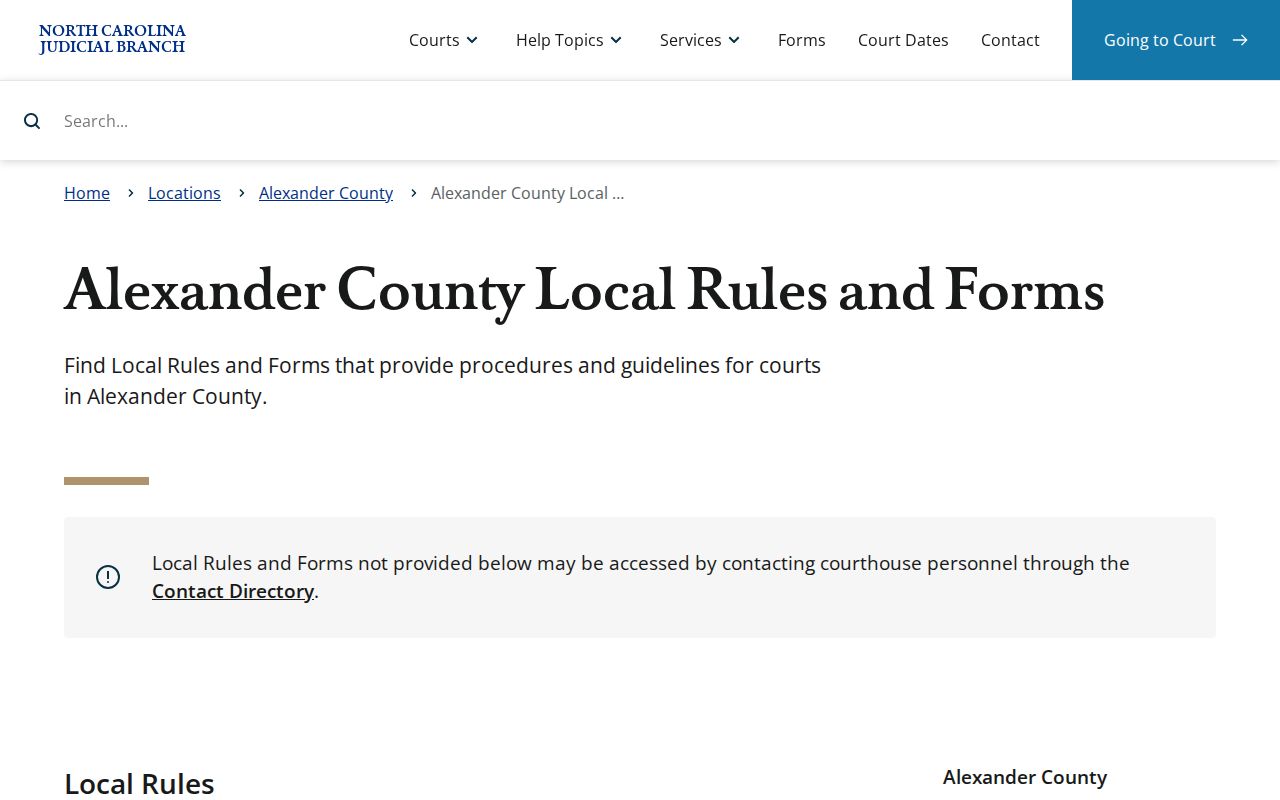
These materials show how a civil matter reaches a calendar. They cannot replace a current Portal hearing check.
Resets, Continuances, and Cancellations
A continuance moves a hearing to a new date. It happens only with the court's approval. Asking for one is not the same as getting it. Local rules apply. The portal may still show an older date in Case Events that is pure history. Before you trust any date on the screen, open the active Hearings section. Then run a Search Hearings check on the Alexander County docket.
Weather, calendar conflicts, and last-minute procedural events all shift Alexander County court dates. So check close to your hearing time. Search Hearings comes first, then the Register of Actions. Turn next to the clerk or the court administrative line if the docket still looks murky. The contact directory lists the Clerk of Superior Court plus separate administrative channels for Superior Court and District Court. One caution: a calendar change is not a disposition. A missing date never proves a case is finished.
Alexander County Court Calendar Terms
Portal labels do real work on an Alexander County court calendar. They separate the current setting from everything else in the case history. The terms that follow come from the court system's own documented vocabulary, not from a guessed list of local shorthand.
- Register of Actions / Case Summary
- The Portal's detailed chronological case page. The state says it is not the official court record.
- Case Event
- A dated entry for a filing, action, notice, hearing, order, or other case development.
- Hearing
- A scheduled court event; Search Hearings is the direct Portal calendar tool.
- Stayed
- A Portal status showing a pause in activity, not a final disposition.
Never read a hearing result by itself. Pair it with the events and disposition context around it on the Alexander County docket. A calendar entry is a scheduling tool only, and it cannot replace the official record the clerk holds.
What To Do If You Miss a Setting
Missed a setting in Alexander County? Act fast. Pull up the case in Portal first. Review the newest Hearing and Case Events entries on the docket, then call the Clerk of Superior Court or the right court administrative line about the case. If a lawyer represents you, contact that attorney too. Your next step hinges on the type of matter and what the court's current record shows.
Missed a setting? A missed court date can have serious case consequences. Confirm the current hearing information with the court or clerk promptly rather than relying on an earlier notice.
The statewide Veterans Treatment Court information identifies an Iredell program in District 32, but the research did not verify an Alexander-specific specialty-court calendar. 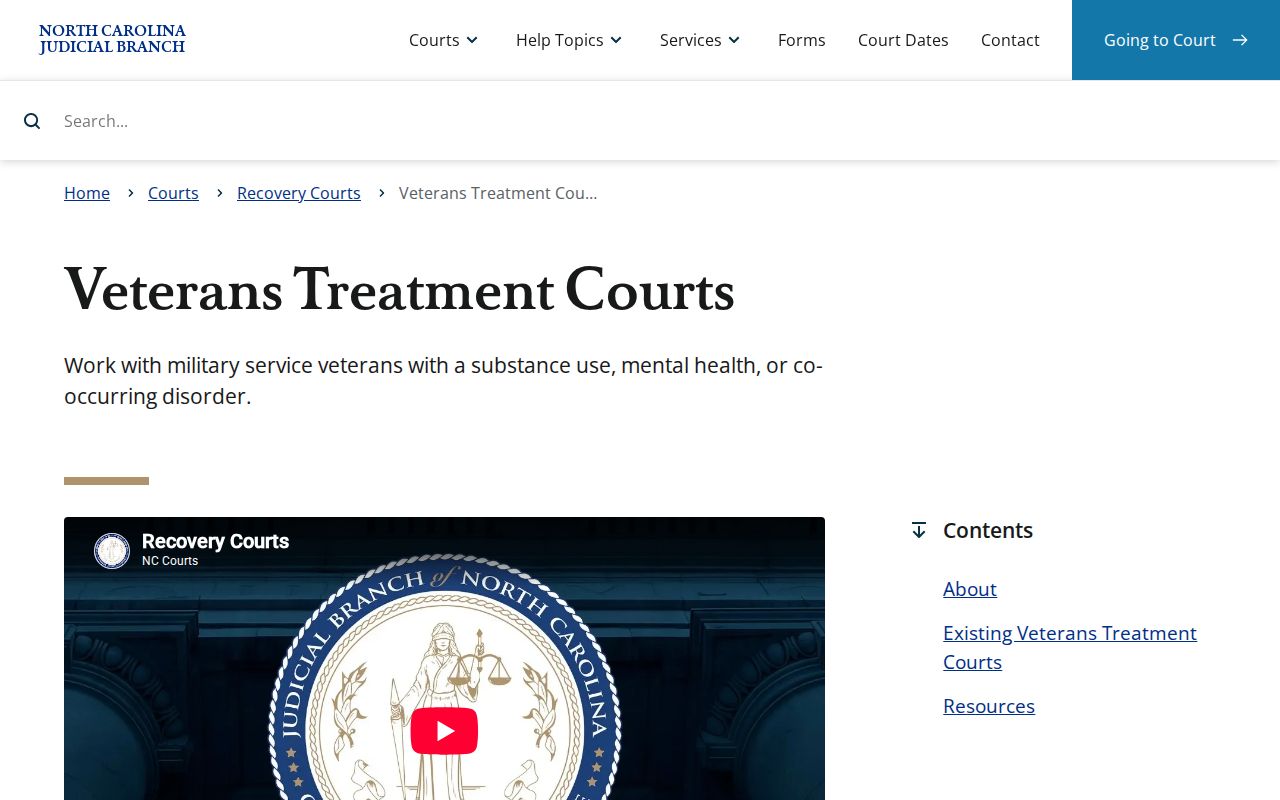
Special-program details never settle a local question. They do not establish an Alexander County setting or guarantee eligibility. For any specific pending case, ask the court or the clerk directly.
Alexander County Calendar Checks Before Travel
Come prepared when you ask for help. Bring the exact case number and the hearing date in question. Include the court or division name too. At the Alexander County Courthouse, the Clerk of Superior Court keeps the local record and can steer an eligible visitor to the right inspection or copy channel. Check the courthouse contact page for current location details and office information before you travel.
Public inspection has a legal basis. G.S. 7A-109 requires clerks to maintain records, files, dockets, and indexes and generally makes them open to public inspection unless another law restricts access. 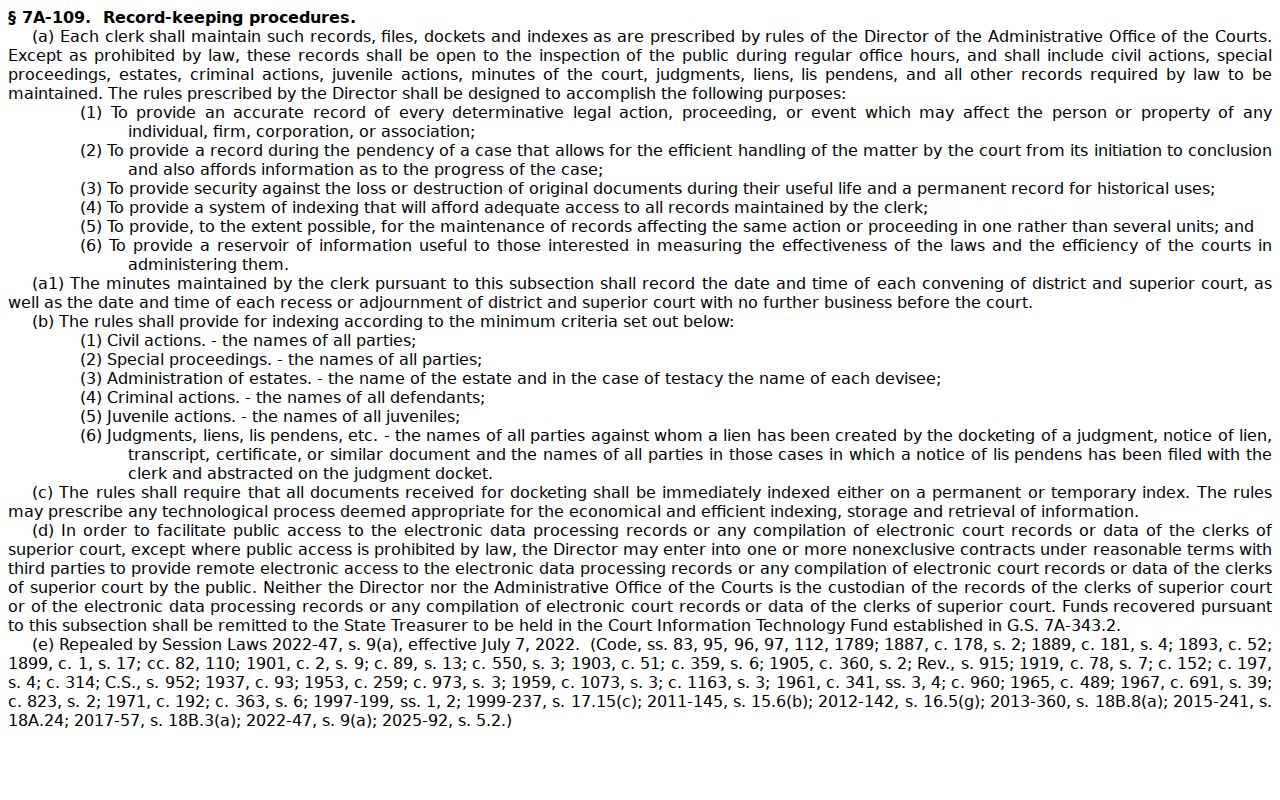
The NCAOC public-record policies distinguish administrative requests from case-file custody. 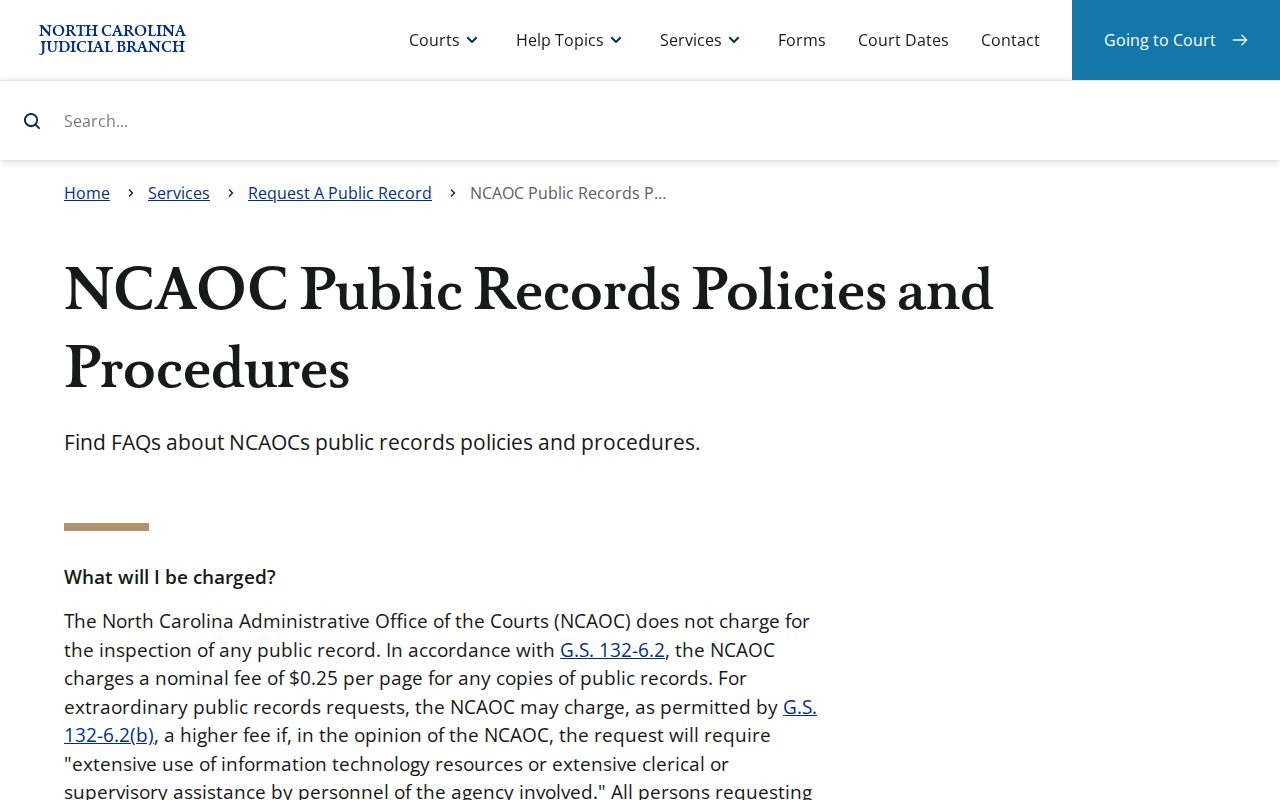
Need an Alexander case file or a certified document? Skip the county-government records request. The proper route for Alexander County court records runs through the Alexander Clerk.