
How to Search Criminal Dockets
The official starting point is the North Carolina eCourts Portal. Choose Smart Search. Enter an exact case number, or a name in last-name, first-name order. Alexander County joined eCourts in October 2025. The Portal is now the public route to a county criminal Register of Actions, also called a Case Summary. A case number is the more precise input. A name result needs checking. Match it against the case details before you treat it as the right file.
When a search returns too much, open Advanced Filter Options. Set Location to Alexander County and pick Criminal or Infraction as the case type. That county filter matters, because the Portal searches every eCourts county at once. The Portal is the public face of the Tyler Enterprise Justice (Odyssey) system. North Carolina File & Serve is a separate electronic-filing service, not a general public docket. No result? Check spelling and number format first. A case can also be missing from view. It may be sealed, confidential, expunged, or otherwise restricted.
- Open the Portal and choose Smart Search.
- Enter an exact case number or a last-name, first-name search.
- Use Alexander County, Criminal or Infraction, and an appropriate status filter to narrow results.
- Open the underlined case number and read the Register of Actions in date order.
- Use Search Hearings for a current setting, then contact the clerk for a file copy or certification.
Alexander Criminal Docket Search Filters
Smart Search takes a name or a case number first. The filter fields come into play after that basic search, not instead of it. The official Portal guide offers an Alexander County location filter, criminal or infraction case-type choices, and status selections. Copy search terms straight from the citation, notice, or a prior Portal result whenever you can. Rebuilding a number from memory risks missing the record you want.
| Portal field | Alexander criminal docket use |
|---|---|
| Case number or name | Required basic search; names use last, first and an exact number is most precise. |
| Location | Choose Alexander County to narrow statewide eCourts results. |
| Case Type | Use Criminal or Infraction when that category is known. |
| Case Status | Apply only a status that fits the selected criminal or infraction category. |
| Underlined case number | Opens the Register of Actions or Case Summary for the matching result. |
Note: A status filter can shrink a result set, but it does not replace reading the case events and disposition details.
What a Criminal Docket Shows
The Portal's detailed view is the Register of Actions. It is a chronological case summary, not the official court record. Its named sections include Case Information, Assignment Information, Party Information, Case Events, and Dispositions. Hearings appear when information exists. Financial Information appears when populated. Public-facing date-of-birth data is masked. The criminal search filter identifies the case category, but charge and statute fields can vary from one result to the next.
| Case number | The result and case header use the system identifier. An official format example is 21CR000003-910; use the number exactly as supplied. |
|---|---|
| Assignment | Shows court or judicial assignment information when entered and helps explain the trial route. |
| Case Events | The dated register to inspect for filings, appearances, notices, hearings, plea or trial activity, and transfers. |
| Hearings | Appears when populated; Search Hearings is the separate tool for checking an active setting. |
| Dispositions and financials | Recorded outcome and financial sections, when available; confirm a current amount or certified result with the clerk. |
Reading an Alexander Criminal Docket
Start at the top of the docket, not the timeline. Two header blocks sit at the top. These are Case Information and Assignment Information. They tell you which court is handling the Alexander criminal case. One caution matters here. A hearing listed in District Court does not mean the whole case stayed there. Felonies often begin in District Court and move to a Superior Court track later. That means early entries can sit in one court while the case finishes in another.
After the header, work through Case Events in order, oldest first. You will see charging activity, notices, appearances, and hearing entries. The docket builds in that order. Later entries may show a plea, a trial, or a dismissal. A transfer or appeal can appear there too. For the setting coming up next, check the Hearings section. You can also use the Search Hearings guidance. One caution. An old event may only record a prior hearing or a continuance, not the current court date.
Finish by reading Dispositions and Financial Information side by side with the event list. Status labels act as filters on the docket. Examples include Pending, Completed, Disposed, Archived, Remanded, Transferred to Superior Court, and Voluntarily Dismissed with Leave. They are not a full codebook. Nor do they replace the case history itself. For broader context, turn to the official criminal and infraction case-activity report. It compiles statewide figures on criminal docket activity by county.
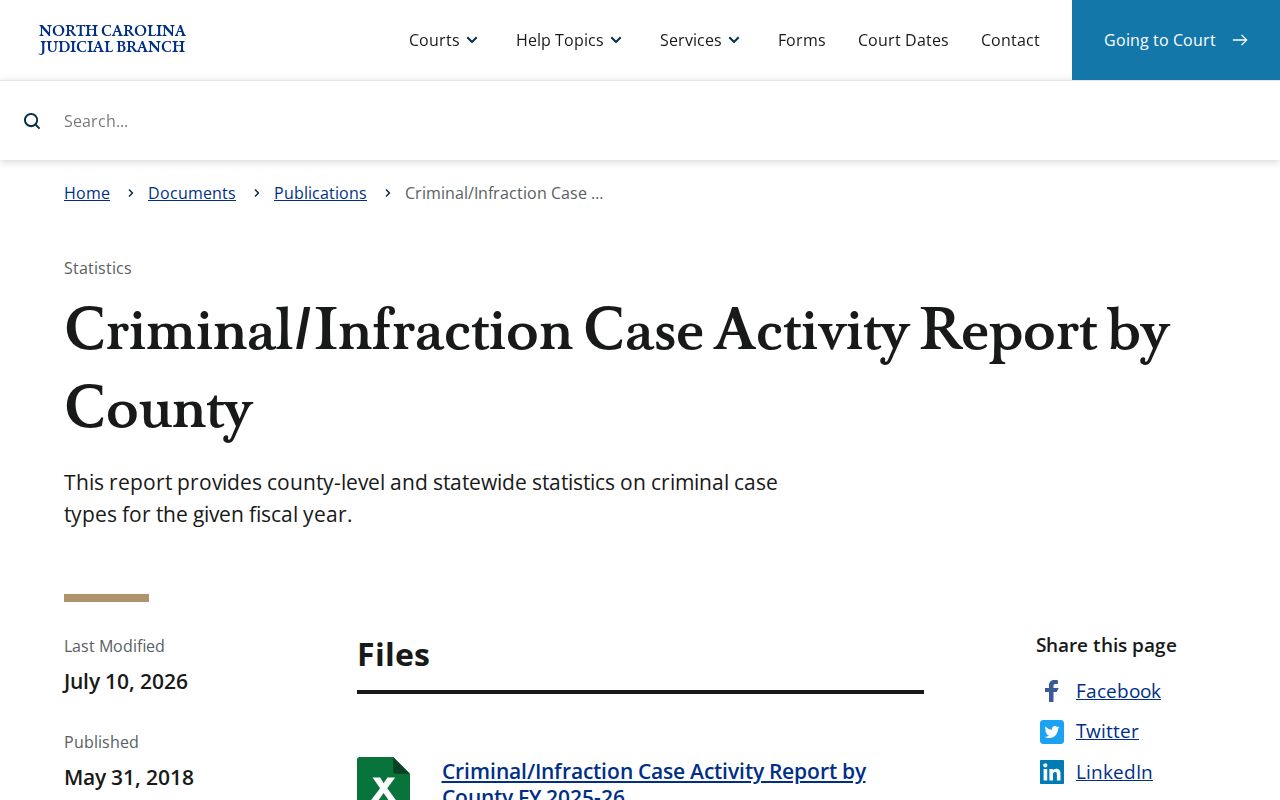
The statewide report is useful background on the court system. An individual docket still has to be read from its own Register of Actions.
Alexander Criminal Docket Status Review
Portal status words help narrow a criminal search, but check them against the chronology. The official criminal and infraction choices include Appealed - Appellate, Archived, Completed, Disposed, Pending, Pending - Reported to DMV, Pending Expungement, and Remanded. The list also covers Transfer to Another County, Transferred to Superior Court, and Voluntarily Dismissed with Leave. Treat these as current filter values. They are not a full criminal disposition glossary.
Open the case and set its status beside Case Events, Hearings, and Dispositions. An appeal, transfer, remand, or later financial entry can change what a short label means. A disposition such as a guilty plea or no contest carries case-specific context in the record. The same is true of a dismissal after deferred prosecution, or a dismissal with leave. For a certified disposition or the underlying court-file document, the clerk is the route.
Note: A status narrows a search result. The Register of Actions supplies the event history needed to read it.
Stages on a Criminal Docket
A criminal Register of Actions records activity as it is entered. One case may show charging, early court steps, notices and settings, pretrial work, a plea or trial, a dismissal or other disposition, and financial or appeal-related entries. The order and detail vary from case to case. A docket entry is evidence of a recorded event. It is not a full narrative of the evidence, or of every conversation in court.
Docket flow: Filing › Arraignment › Pretrial › Plea or Trial › Disposition › Sentencing
Need a hearing date fast? Start with Search Hearings, then open the case's Hearings section for detail. If the two disagree, or the date is near, call the clerk or the court's administrative contact. One more thing: a case can carry several settings. A setting alone is never the final outcome.
Alexander Criminal Docket Hearing Checks
Search Hearings answers a different question than Smart Search does. It hunts for current hearing results, not case history. You narrow the field with Location, Hearing Type, a search type, and a date range. Pick Alexander County first. Choose the hearing type the page requires, and search by case number whenever you have one. Search types also include party name, business name, attorney name, attorney bar number, judicial officer, and courtroom.
A courtroom search works best when you already know the room. The courtroom list covers the whole state. For name searches, add a first name and keep the date range tight. The Alexander County court page adds local civil and criminal calendar links. Treat an old Case Event or a calendar listing as weaker. A change confirmed in the live hearing record or by the clerk carries more weight.
Which Court Holds Criminal Dockets
One office rules the records. Alexander County has a single unified Clerk of Superior Court over all trial-court files. Felony trials sit with Superior Court District 32. That court also hears misdemeanor and infraction appeals coming up from District Court. District Court District 32 handles misdemeanors and infractions. Magistrates take the early criminal work. Their docket covers preliminary matters, warrants, bail, and guilty pleas in a few limited minor cases. Whatever the route, the clerk is where the file lives.
The two courts split their jobs. So a Portal search should never guess the division from the charge alone. Read the full Register of Actions for a transfer, an appeal, a successor case, a hearing, or a disposition. A District Court appeal gets tried de novo in Superior Court. That means a brand-new trial rather than a review of what happened below. The Superior Court overview lays out the trial division that runs felony trials.
That page gives the division-level context. The Alexander clerk still keeps the docket and the file itself.
Alexander Criminal Docket Court Routes
Misdemeanors and infractions travel the District Court route. Felony trials go to Superior Court. A magistrate's early action often sits at the front of a criminal matter's history. These splits matter. Because of them, an Alexander criminal docket can show movement that no single court label explains. Entries like Transfer to Another County, Transferred to Superior Court, Remanded, or an appeal all call for a wider look. Check related or successor activity when one appears. The District Court description covers the trial division's misdemeanor, infraction, and magistrate roles.
That District Court material helps you spot the route a case took. The case's own Register of Actions names each event recorded for that matter. Note: An appeal or transfer entry can point to a successor record that needs its own separate case search.
Alexander Criminal Docket File Copies
The Portal costs nothing for ordinary public case-summary searches. But a Portal printout is not a certified copy. It does not promise access to every document either. For a case file, an older paper item, copies, certification, or a balance question, go to the Alexander Clerk of Superior Court. The Alexander County Courthouse sits at 29 W. Main Ave., Taylorsville. The clerk's listed number is (828) 635-3113. Free public terminals in the clerk's office give a non-certified viewing option.
No generic Alexander court-copy form exists. So be ready to state the case number, the document or event you need, and whether you want a plain copy or a certified one. The statewide fee chart sets $2 for the first page of each document. It adds $0.25 for each additional page or fraction, $3 for a certificate under seal, and $10 for exemplification. Those pieces do not add up to one universal certified-docket price. Confirm the total with the clerk.
Alexander Clerk of Superior Court
29 W. Main Ave.
Taylorsville, NC 28681
(828) 635-3113
Weekdays, 8:00 a.m. to 5:00 p.m.
The Alexander County contact directory lists the clerk and related court contact channels. Note: A transcript follows a separate reporter or recording process. Criminal District Court proceedings are generally not recorded except in stated circumstances.
Alexander Criminal Docket Program Limits
A docket search will not hand you program names. Treat related services as unknown until a record says otherwise. North Carolina Recovery Courts information describes statewide program models. The page does not list an Alexander specialty-court docket. So a public case search remains the right tool for an Alexander case's recorded events, hearings, and disposition. It is not a program listing. The statewide Recovery Courts resource supplies that program context.
No separate Alexander docket appears there. The Register of Actions and the clerk stay the county's record routes.
Public Access and Sealed Criminal Dockets
Public access to Alexander County court records runs through the Clerk of Superior Court. North Carolina law leans toward openness. G.S. 7A-109 keeps the clerk's records, files, dockets, and indexes open for inspection during regular office hours unless another law blocks access. G.S. Chapter 132 adds a right to reasonable supervised inspection and copies at lawful fees. The Portal may display an ordinary available Case Summary. Even so, the Portal cautions that its Register of Actions is not the official court record.
Not every docket is open. Sealed files, unreturned warrants, juvenile records, and protected-order information follow separate access rules. Expunction is different. G.S. 15A-151 restricts the confidential expunction file, so an expunged matter is never a routine public-record request. A blank Alexander docket search can mean a typo, no match, or a restricted category. Connected to the case? Ask the clerk about the proper process instead of assuming public access.
Key Rules:
G.S. 7A-109 - Clerks keep court files, dockets, and indexes open for inspection unless access is prohibited.
G.S. 132-6 - Public records may be inspected under reasonable supervision and copied on payment of lawful fees.
G.S. 7B-2901 - Juvenile abuse, neglect, and dependency records are withheld from public inspection except as law or an order permits.
One sharp limit comes from the juvenile-records statute.
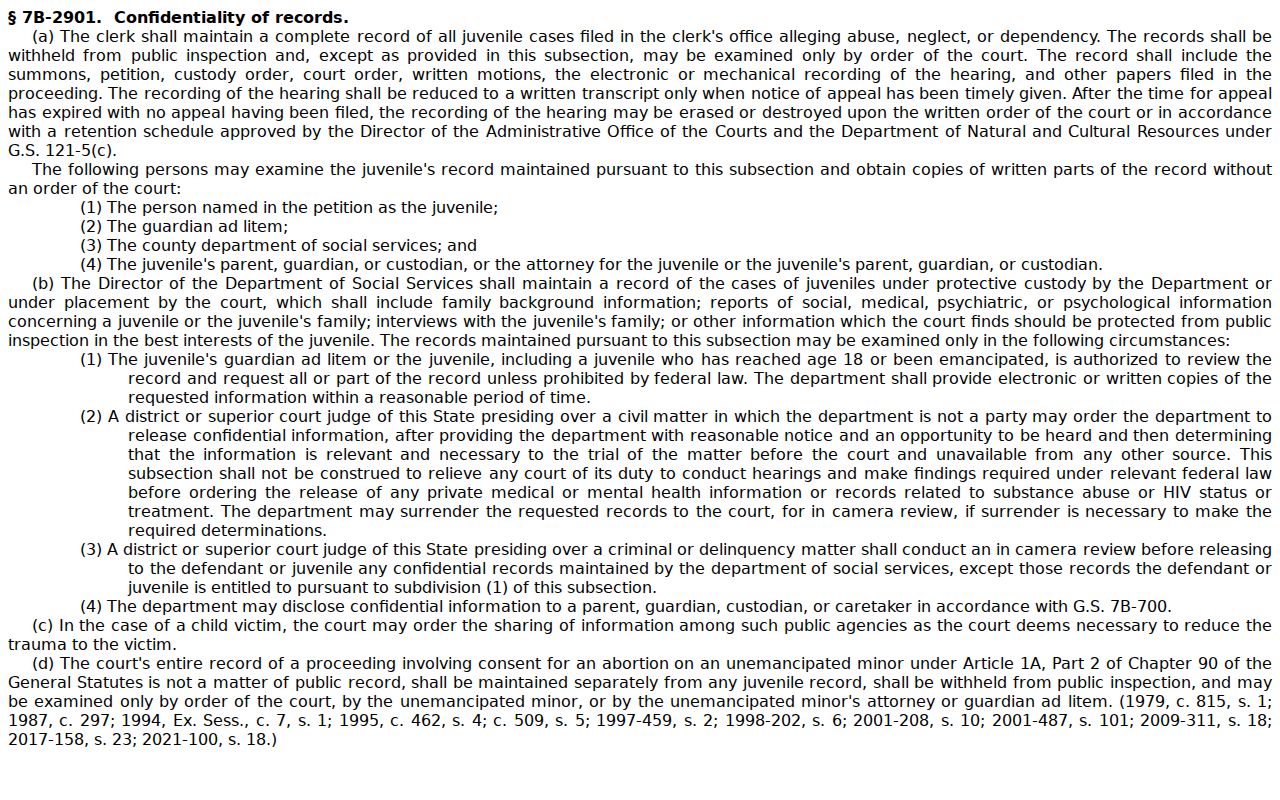
No Portal search or inspection request overrides that confidentiality rule.
Alexander Criminal Docket No-Result Checks
A blank Smart Search result in Alexander County usually starts with your own entry. Check the spelling first. Use the name order the Portal requires, and copy a case number exactly from a notice when you have one. Compound or complex names are trickier. The Portal guide allows a wildcard asterisk in some situations, though business names whose first three characters include a space or special character face limits. Then narrow with the Alexander location and the Criminal or Infraction category.
A blank result has other explanations too. There may simply be no matching case. The record may be sealed, confidential, or restricted. Or it moved to another county or court route. Need only a current court date? Search Hearings can answer that faster than the full criminal docket. For an older paper file, an official copy, or an explanation of a record, the Alexander Clerk of Superior Court is the local fallback rather than a general county-government records request.
Note: The county-government public-records form is not the request channel for an Alexander court case file.