
Searching Cases by Name
Start at the North Carolina eCourts Portal. Choose Smart Search, type a basic criterion, and submit. Enter names in the documented last-name, first-name order. You do not need an account for ordinary public information. Registering one will not unlock confidential material, and the county clerk still keeps the actual case file.
- Open the Portal and choose Smart Search for an Alexander County case search.
- Enter an exact case number, or enter the party name in last-name, first-name order.
- After the basic search, use Advanced Filter Options to select Alexander County and a relevant case type or status.
- Submit the search and open the underlined case number for the Register of Actions or Case Summary.
- Check Case Events, Hearings, and Dispositions in context before relying on one entry.
| Field | Type | Required | Portal note |
|---|---|---|---|
| Case number or name | Text | Yes | Name searches use last, first; a case number is exact-match specific. |
| Location | Filter | No | Select Alexander County after starting a basic search. |
| Date of Birth | Exact or range | No | Public display masks the date of birth. |
| Case Type / Case Status | Dropdown | No | Use the available choices to narrow a result. |
The Portal works on phones and tablets, not just a computer. A name result is only a starting point, though. Before you decide it is the right Alexander County case, compare the county location, the case type, and the listed events.
Alexander County Case Search Portal
Alexander County joined eCourts on October 13, 2025. Smart Search is the case-record tool. It opens the detailed Case Summary, also called the Register of Actions. Search Hearings handles current settings. NC Judgment Search is a separate judgment index, and Make Payments checks eligibility for certain criminal fees and fines. Related as these tools are, each answers a different question.
The official Portal training and resources describe public access, advanced filters, hearing search, and elevated access. 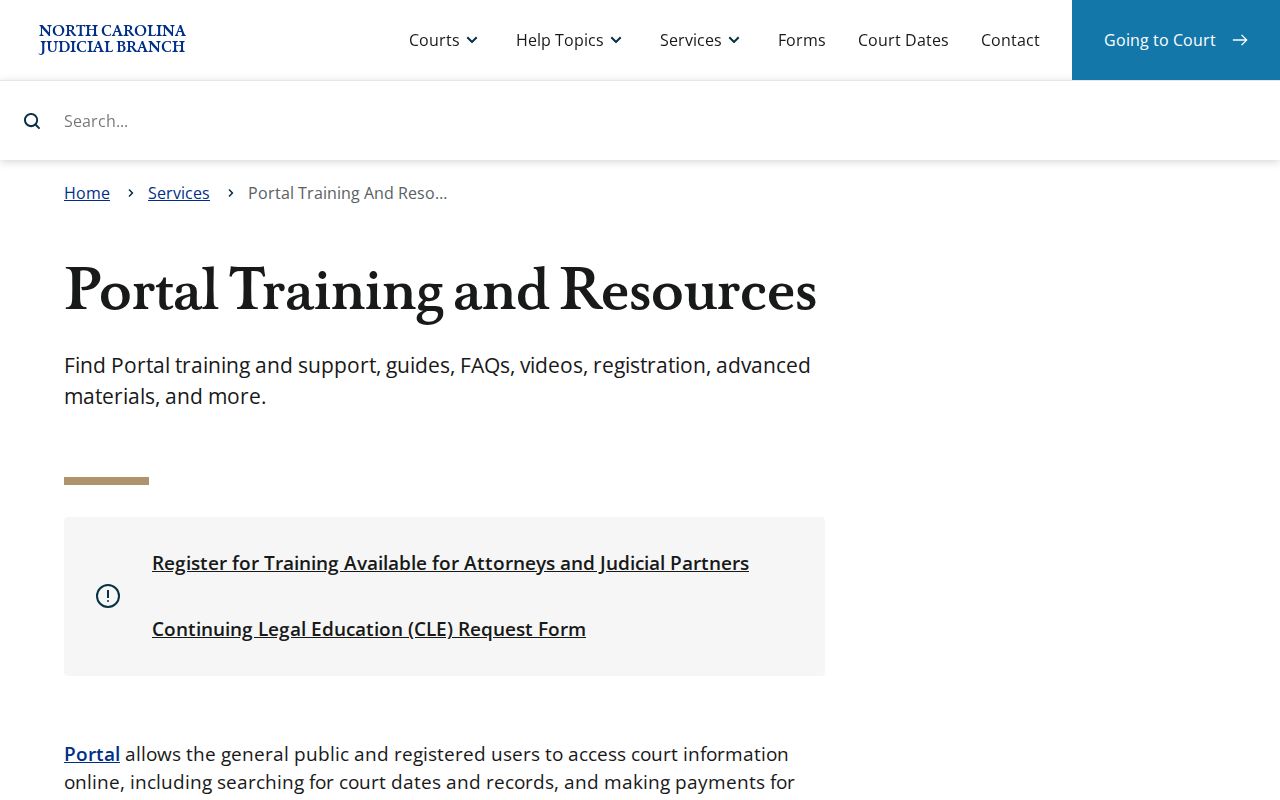
Smart Search identifies the case and its case summary. Search Hearings fits when the task is a scheduled event. For the original file, a certified copy, an older paper record, or a procedural question, go to the clerk.
Searching by Case Number
An exact case number is the most precise way to pull up an Alexander County case in Smart Search. The Enterprise Justice format has four parts. These are a two-digit year, a letter case type, a six-digit sequence, and a three-digit county identifier. The official format example is 21CR000003-910. Copy the identifier from a summons, citation, notice, or Portal result rather than building one from memory. State form materials use 010 as the Alexander county code in form contexts. But an actual county case number is not preserved there. The case type, year, and sequence must match the record exactly. A result may later show an appeal, a transfer, or another status pointing to a successor file. That is not an error in the original search.
Alexander County Case Search Refinement
Smart Search caps a result set at 200. A message saying 200 results came back means, per the official instruction, that you should use Advanced Filter Options. Advanced filtering cannot stand alone. Begin with a name or case number. Then narrow by location, party criteria, or case criteria. Selecting Alexander County helps a lot, since the Portal covers eCourts counties statewide. For an uncertain compound or complex name, the Portal guide permits a wildcard asterisk. It also warns that the wildcard fails with a business name whose first three characters include a space or special character. If Smart Search returns nothing, check spelling and format first. An empty result can also mean a record that is restricted, sealed, confidential, or simply unavailable to public search.
Refine, then verify. A broad name result needs filters. A narrow result still needs a review of the case summary rather than an assumption based on the result row alone.
What a Case Search Returns
Click an underlined case number to open the Portal Register of Actions, or Case Summary. Its named sections are Case Information, Assignment Information, Party Information, Causes of Action where applicable, Case Events, Dispositions, Hearings where information exists, and Financial Information where applicable. Case Events give you the chronological record. That is where filings, notices, orders, and other recorded developments appear in order.
| Case Number | The system identifier shown in the result link and case header. |
|---|---|
| Assignment Information | Court or judicial-assignment context when populated. |
| Party Information | Role-labelled party details; public date-of-birth display is masked. |
| Case Events | Chronological filings, notices, hearings, orders, and other activity. |
| Dispositions / Hearings | Recorded outcome information and scheduled-event information when available. |
Documents are not universal attachments. The Portal provides access to case information, records, and documents in eCourts counties, but sensitive, sealed, and confidential materials are excluded. The state is clear on one more point: the Register of Actions is not the official court record.
Alexander County Hearing and Judgment Search
Use Search Hearings instead of guessing a current setting from the case status. It requires Alexander County, a hearing type, a search type, a matching value, and Date From and Date To. Case number is the strongest key. Name, business, attorney, judicial officer, and courtroom searches can help when that number is not available. NC Judgment Search is a different index. It returns the case number, disposition status, index date and time, parties, and judgment comments. For the full Case Summary, the Portal resource points users back to Smart Search. A judgment-index result therefore begins the case-search process. It does not replace the chronological record or a clerk-certified document.
The eCourts services overview shows the state service environment used for these public tools. 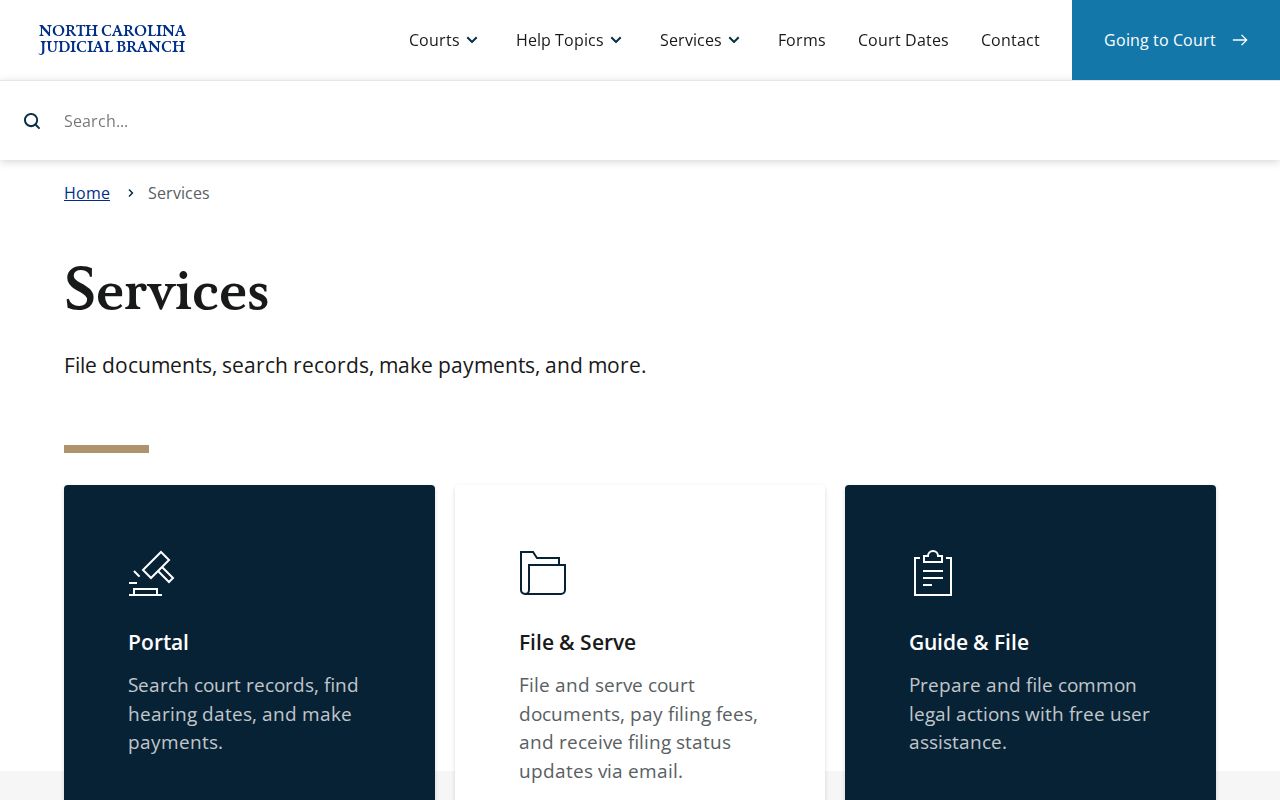
Check a recent setting again with Search Hearings and the case summary. If the two sources disagree, confirm with the clerk.
Statewide vs County Case Search
The Portal is statewide in reach, not a separate Alexander-only database. The county view comes from choosing Alexander County as the location filter. The same public tool then serves either a broader eCourts search. Or it serves a focused county inquiry. The Alexander Clerk is the county-level file custodian, not an alternate online search product.
| Statewide Portal search | Alexander County-focused route |
|---|---|
| Use Smart Search across eCourts coverage, then apply filters. | Select Alexander County as Location after the basic search. |
| Useful when the filing county is uncertain. | Useful when the case is known to belong in Alexander County. |
| Case Summary is a public reference view. | Clerk follow-up provides the local file, inspection, copies, and certification route. |
Federal cases live elsewhere. Alexander County sits in the Statesville Division of the Western District of North Carolina, where filings run through CM/ECF and the public reads them on PACER. A state case will not show up in that system, so don't hunt for it there.
Alexander County Case Summary and Case File
The Case Summary packs a lot into one Portal view: case assignment, events, hearings, dispositions, and financial details where they exist. It is still a Portal display, not the official record. Need a filed pleading, an order, a judgment, or a certified copy? Maybe it is an older paper file, or just clarity about what a record says. The Alexander Clerk of Superior Court holds the record for any case filed in the county. Visit the clerk at the Alexander County Courthouse, 29 W. Main Ave., Taylorsville. Or call (828) 635-3113. Public terminals allow free non-certified viewing during regular hours. Copies follow the statewide fee chart: $2 for the first page of each document, $0.25 for each later page or fraction, and $3 for a certificate under seal. Confirm the service you want with the clerk before paying.
The PACER service is the public route for federal cases, not Alexander state-court cases. 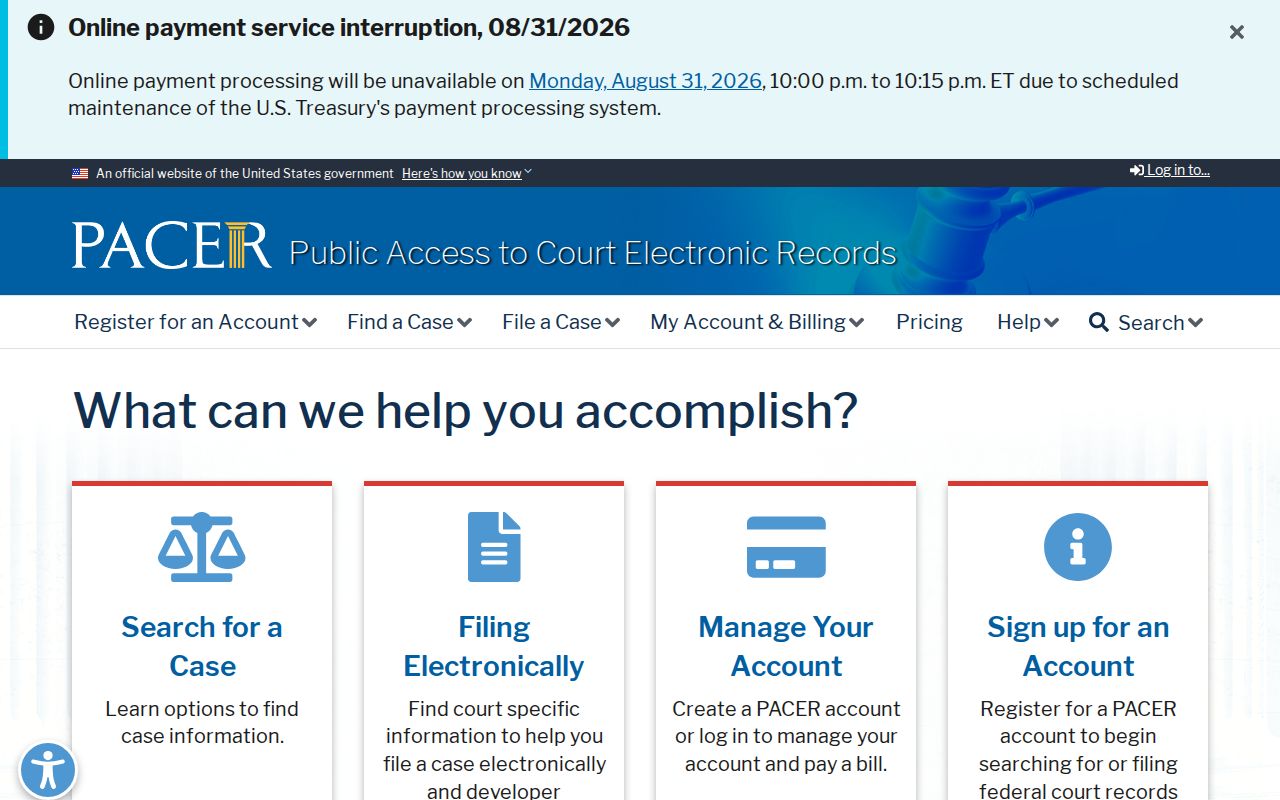
That boundary explains a common dead end in any case search. A valid federal result may never appear in Portal, and an Alexander state court file never becomes a PACER case.
Access and Restricted Cases
Ordinary nonconfidential civil, criminal, estate, and special-proceeding cases can show up in a searchable Case Summary. Portal does not reach everything the clerk holds, though. Sealed or confidential records, sensitive documents, unreturned criminal warrants, juvenile records, and protective-order records stay restricted. Dates of birth are masked in public results.
Expunction files carry their own confidentiality rules under G.S. 15A-151. Juvenile abuse, neglect, and dependency records stay closed to the public except as law or court order permits under G.S. 7B-2901. And a no-result message tells you nothing about the underlying case, so don't read it as one.
Alexander County Clerk Search Fallback
When the online docket search falls short, gather your details first. Save the case number, case type, date range, and the exact document or event at issue. Then call or visit the Clerk of Superior Court. The clerk offers procedural guidance. The clerk also points eligible visitors to public terminal access, and handles local case-file inspection, copies, and certification. One caution: the county-government public-records form is not a request form for a state court case file. Skip it.
The Western District CM/ECF information confirms that federal filings use a separate system. 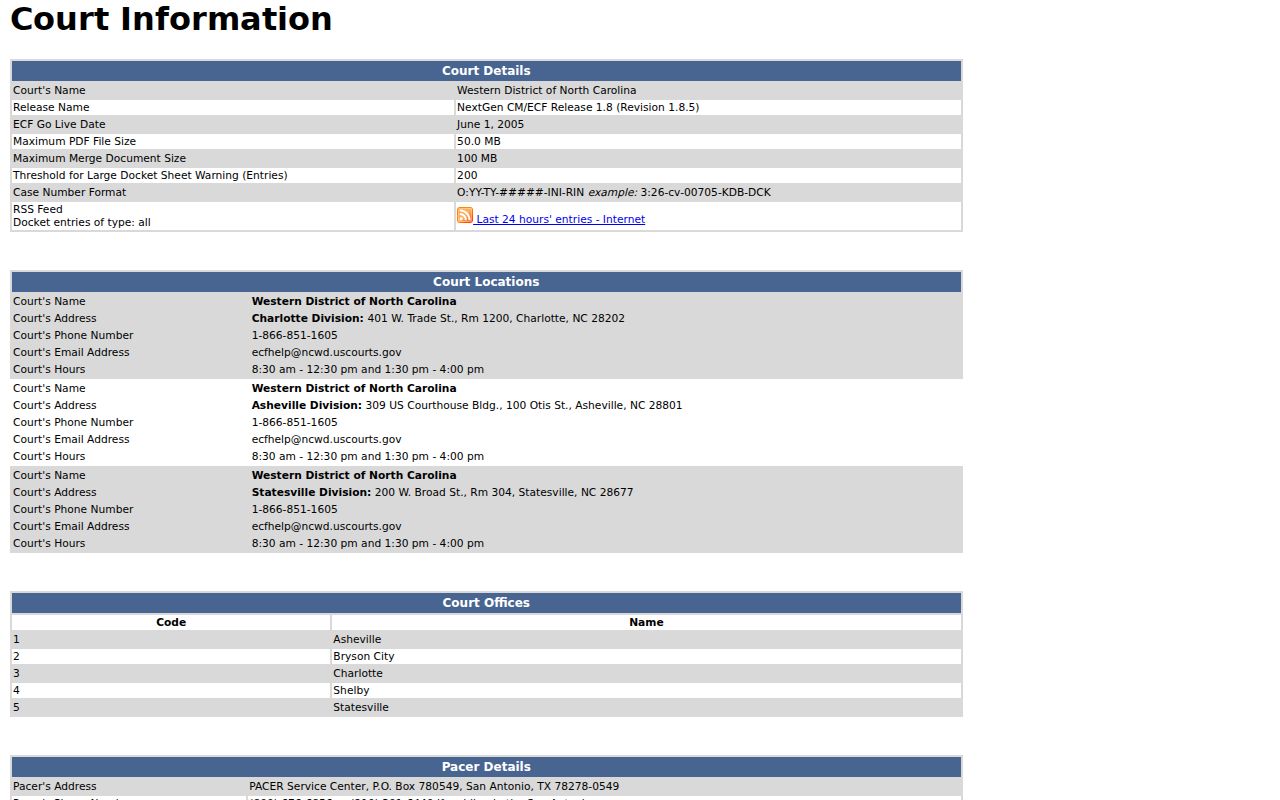
That distinction keeps a docket search pointed at the right court system. For an Alexander state case, Portal comes first and the county clerk second, which is the documented local path.